
Holymod Studio › Documentation
Holymod Studio documentation
Everything you need to design paint jobs for your Euro Truck Simulator 2 trucks, trailers and coaches and take them into the game. Start with the first guide if it’s your first time.
Free · in your browser · nothing to install
Get started
Design
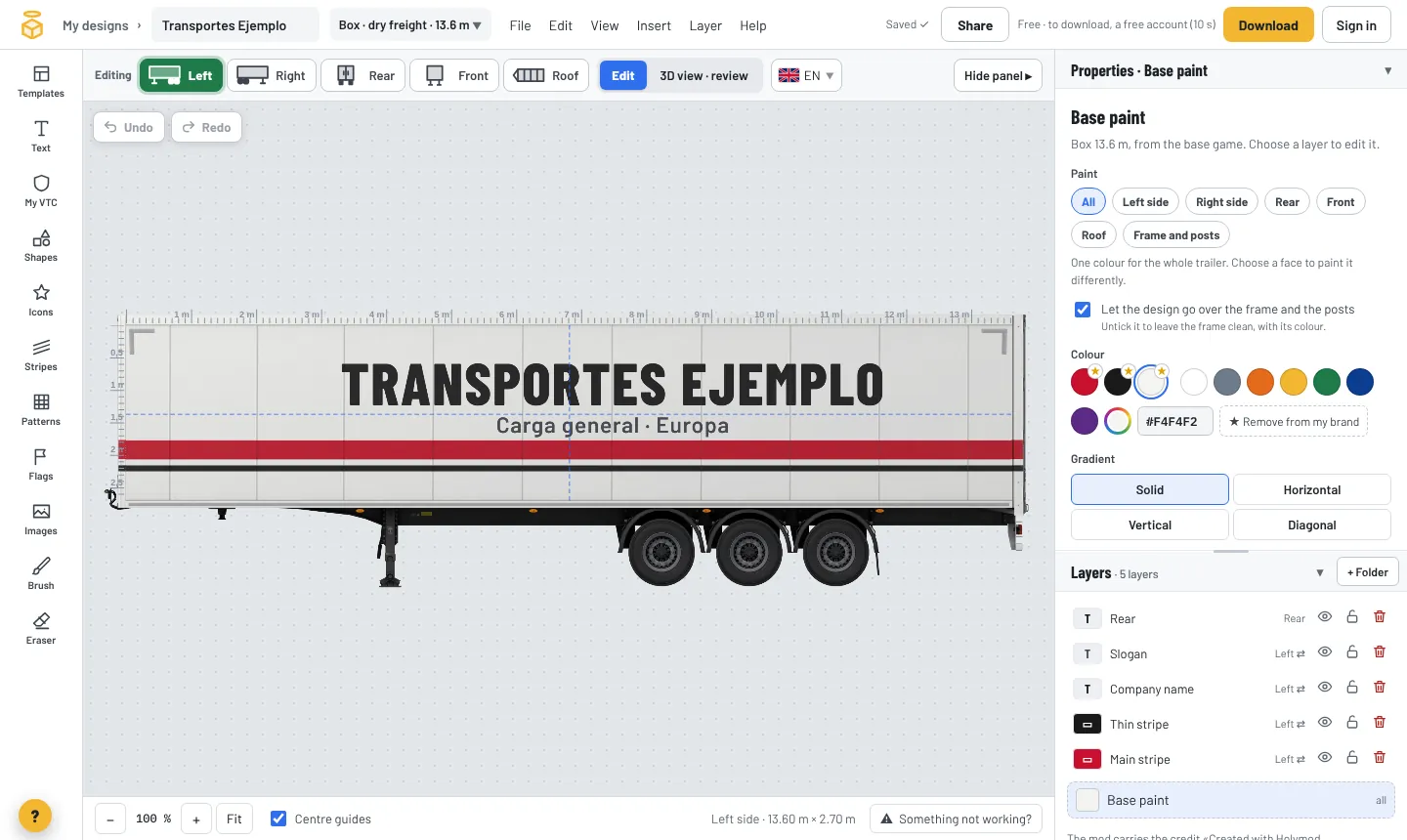
The editor: faces, layers and base paintHow the Holymod Studio editor is organised: the vehicle’s faces, base paint, layers, moving and rotating elements, and what can’t be painted.Text, logos, images and shapesAdd styled text, your logo or your own images, shapes, stripes, icons and flags to your truck or trailer skin.Templates and My VTCFill in your VTC details once and apply any of the 29 templates with your name, slogan and Discord already in place.The 3D viewRotate your truck or trailer in 3D on real game renders, edit directly on top of it and check the result before downloading.
Vehicles
Into the game
Download and install your modHow to download your skin as a .scs mod, install it in Euro Truck Simulator 2, enable it in the Mod Manager and choose the paint job in the game.Fleet numbers and one design for several trailersGet one paint job per truck with its unit number, and take the same design to other trailers, adapted to their size.
VTCs and sharing
Tools for VTCsAccounts with roles, a shared library, a brand kit, a fleet link with each member’s number and a public page for your VTC on holymod.com. Free.Share your design and make videosShow off your skin without giving away the mod: 3D viewer, horizontal or vertical video for TikTok, Reels and Shorts, an image and a link for your Discord.Discover: share your designs with the communityWhat Discover is, what is shared when you tick “Show it in Discover”, how to remove it and what happens if people like your design.