
Holymod Studio › Documentation › Into the game
Download and install your mod
How to download your skin as a .scs mod, install it in Euro Truck Simulator 2, enable it in the Mod Manager and choose the paint job in the game.
Download
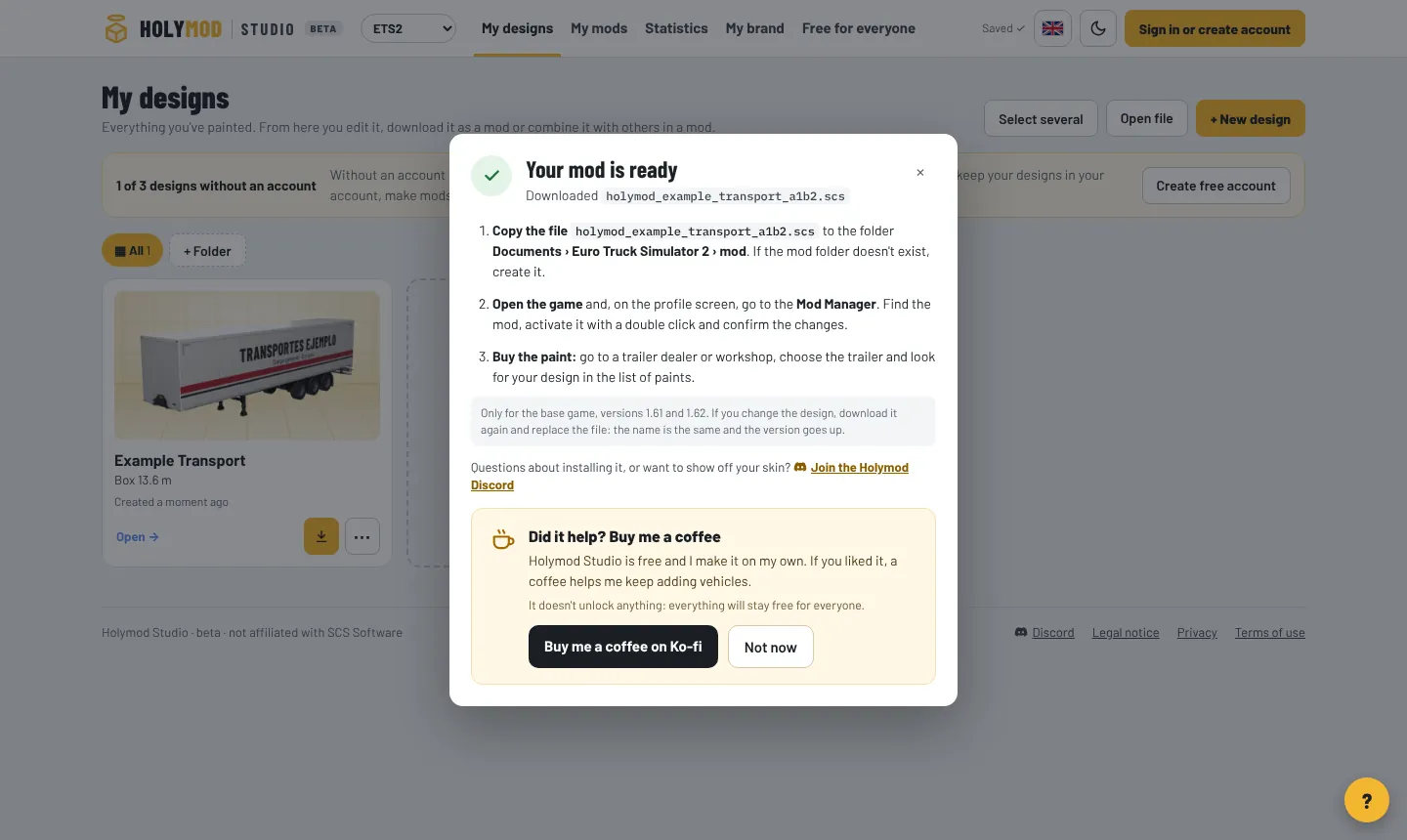
Press Download at the top right. First we check the design and warn you about anything that might be cut off or hidden. The mod is generated in your browser and downloads as a .scs file. You need a free account.
Install it in the game
- Copy the .scs file into Documents › Euro Truck Simulator 2 › mod. If the mod folder doesn’t exist, create it.
- Open the game and, on the profile screen, go to the Mod Manager. Find your mod, enable it with a double-click and confirm the changes.
- Truck: choose the paint job at a workshop or dealer, on the same cab you designed. Trailer: choose it when you buy an owned trailer, or later at a trailer workshop. Coach: customise your coach and look for your design in the list of paints.
Changing the design later
If you change something, download it again and replace the file: the name stays the same and the version goes up. The mod carries your project inside, so you can also open a .scs with Open file and keep editing it.
Several designs in one mod
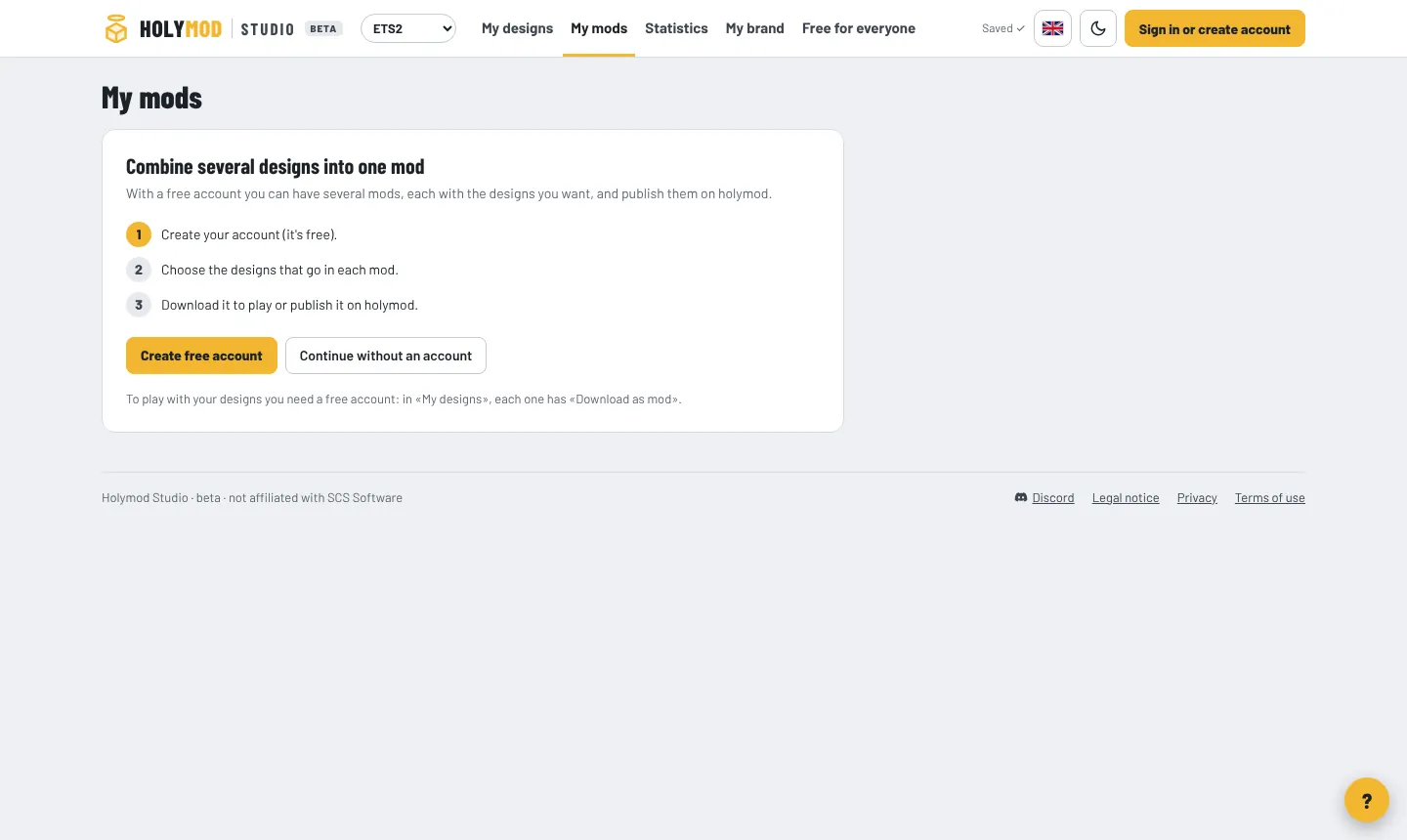
In My mods you create a mod and add whatever designs you like: your truck and its trailers, or the whole fleet, in a single .scs. A set joins a truck with its trailers; you create it from a design’s ⋯ menu and it downloads as one mod.
Steam Workshop
You can upload your skin to the Steam Workshop keeping the “Created with Holymod” credit. What isn’t allowed is selling it.
Updated on 26 November 2026