
Holymod Studio › Documentation › Design
The 3D view
Rotate your truck or trailer in 3D on real game renders, edit directly on top of it and check the result before downloading.
Drag the canvas background and the vehicle rotates: you’re now editing in 3D. The mouse wheel zooms. You keep editing from there: click to select and drag to move things across the vehicle. Click a face at the top to go back to the flat view.
3D view · review
It’s just for looking: rotate the vehicle without moving anything by mistake. The buttons at the bottom take you to the usual angles (front 3/4, side, rear 3/4, from above…).
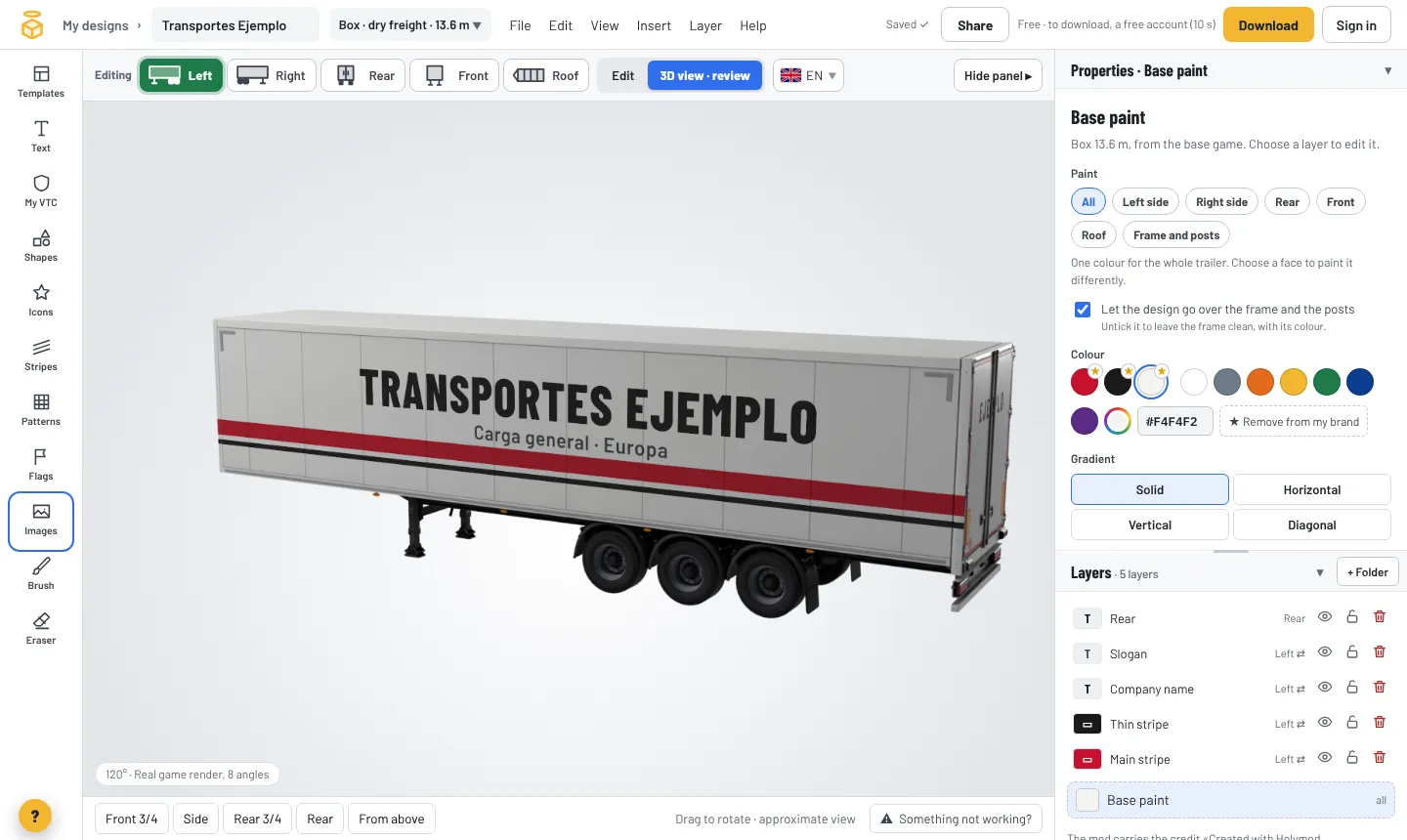
What you see isn’t a mock-up: these are renders of the game itself with your design painted on, with its lighting and parts. It’s the closest thing to seeing it in ETS2 without opening the game.
Updated on 26 November 2026