
Holymod Studio › Documentation › Vehicles
Designing a truck
Build your ETS2 truck with your own game’s parts, change bumpers, grilles and lights, and design the cab while you see it in 3D.
There are trucks from DAF, Iveco, MAN, Mercedes-Benz, Renault, Scania and Volvo, all from the base game. In New design choose Truck, the brand and the model with its cab.
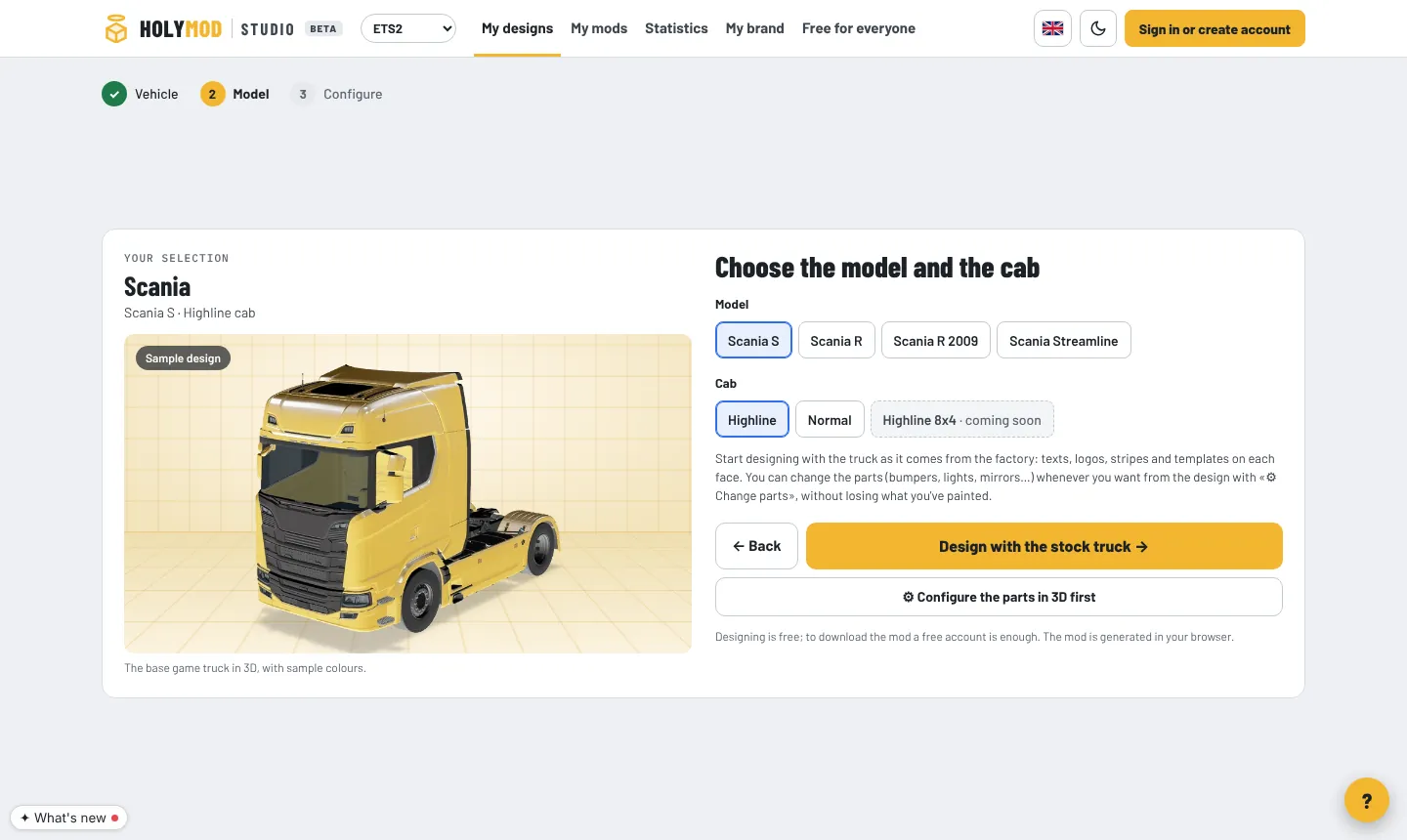
Two ways to start
- Design with the stock truck: you go straight into the editor with the truck as it comes from the factory.
- Configure the parts in 3D first: you build the truck with the workshop parts (bumpers, grilles, sun visors, light bars…) and then paint it.
Loading your game (base_vehicle.scs)
The configurator builds the truck with the parts from your own copy of the game. The first time it asks for the base_vehicle.scs file from your ETS2 install folder. It’s read on your computer: nothing is uploaded and Holymod doesn’t store any game files. After that it stays saved in your browser.
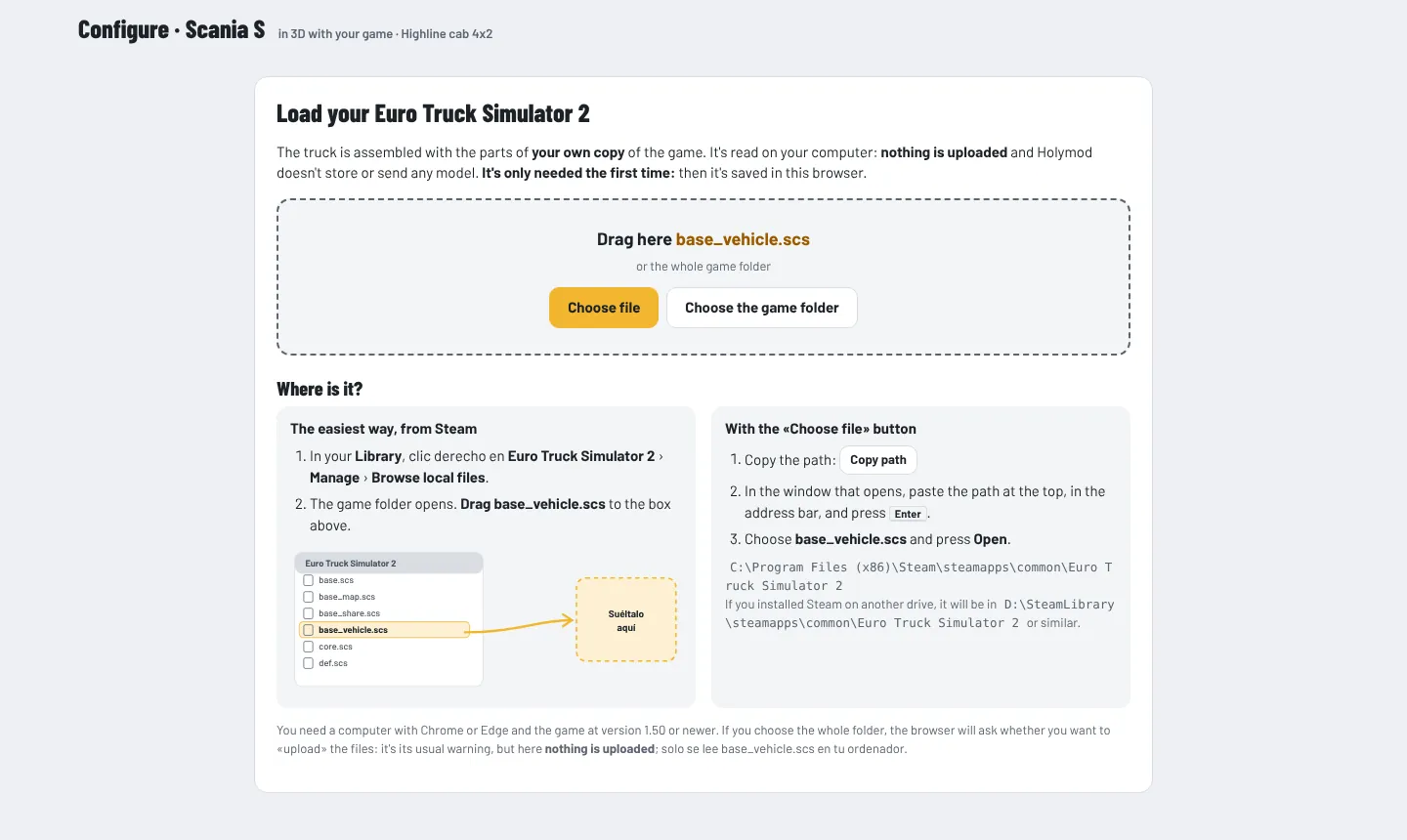
- In Steam, in your Library, right-click Euro Truck Simulator 2 › Manage › Browse local files.
- The game folder opens. Drag base_vehicle.scs into the box, or press Choose file and pick it there.
Changing parts
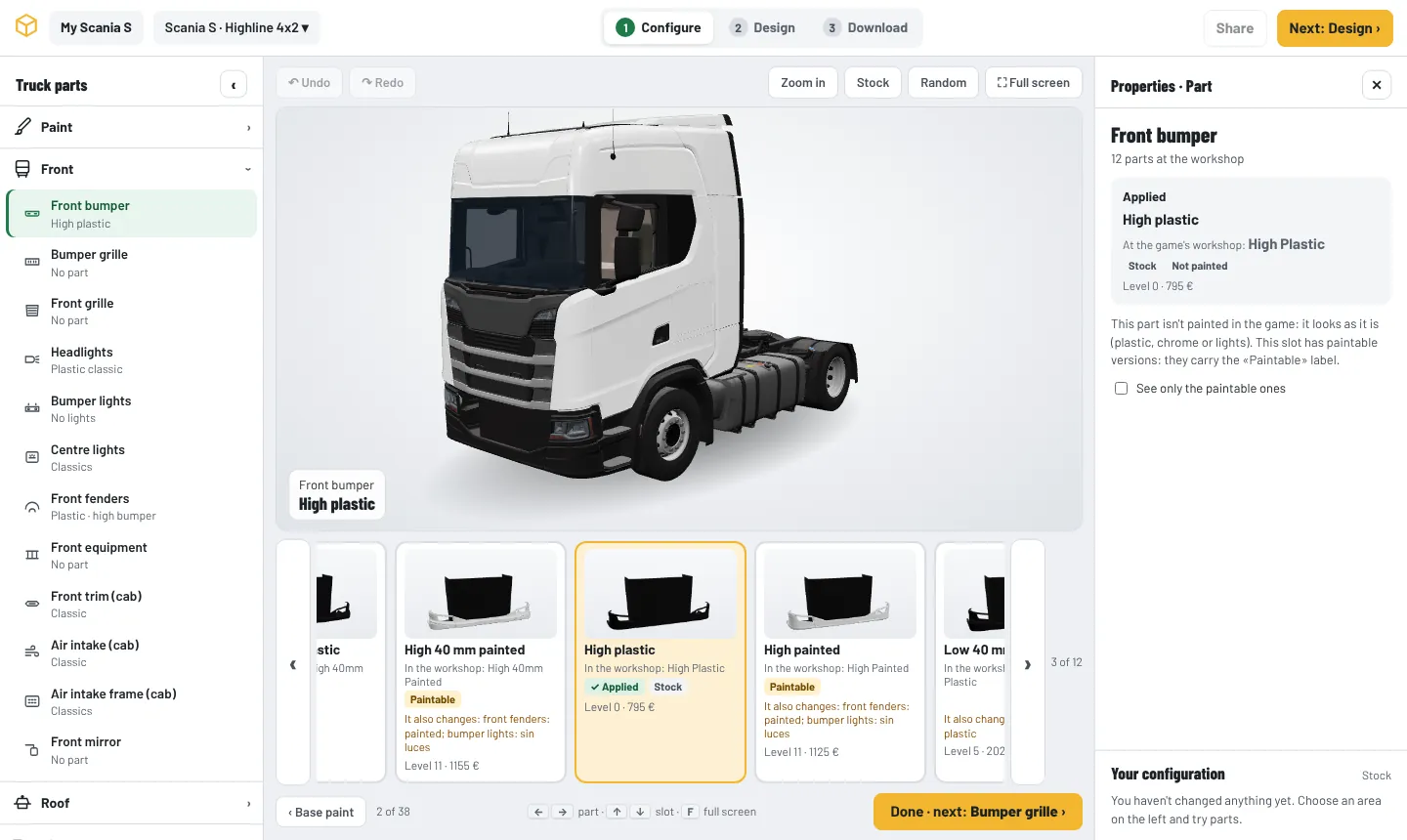
On the left you have the parts by area (front, roof, sides, rear, details). When you pick one, you see all the workshop options below; the ones that take paint carry the Paintable label. When you’re done, press Next: Design.
Painting the cab
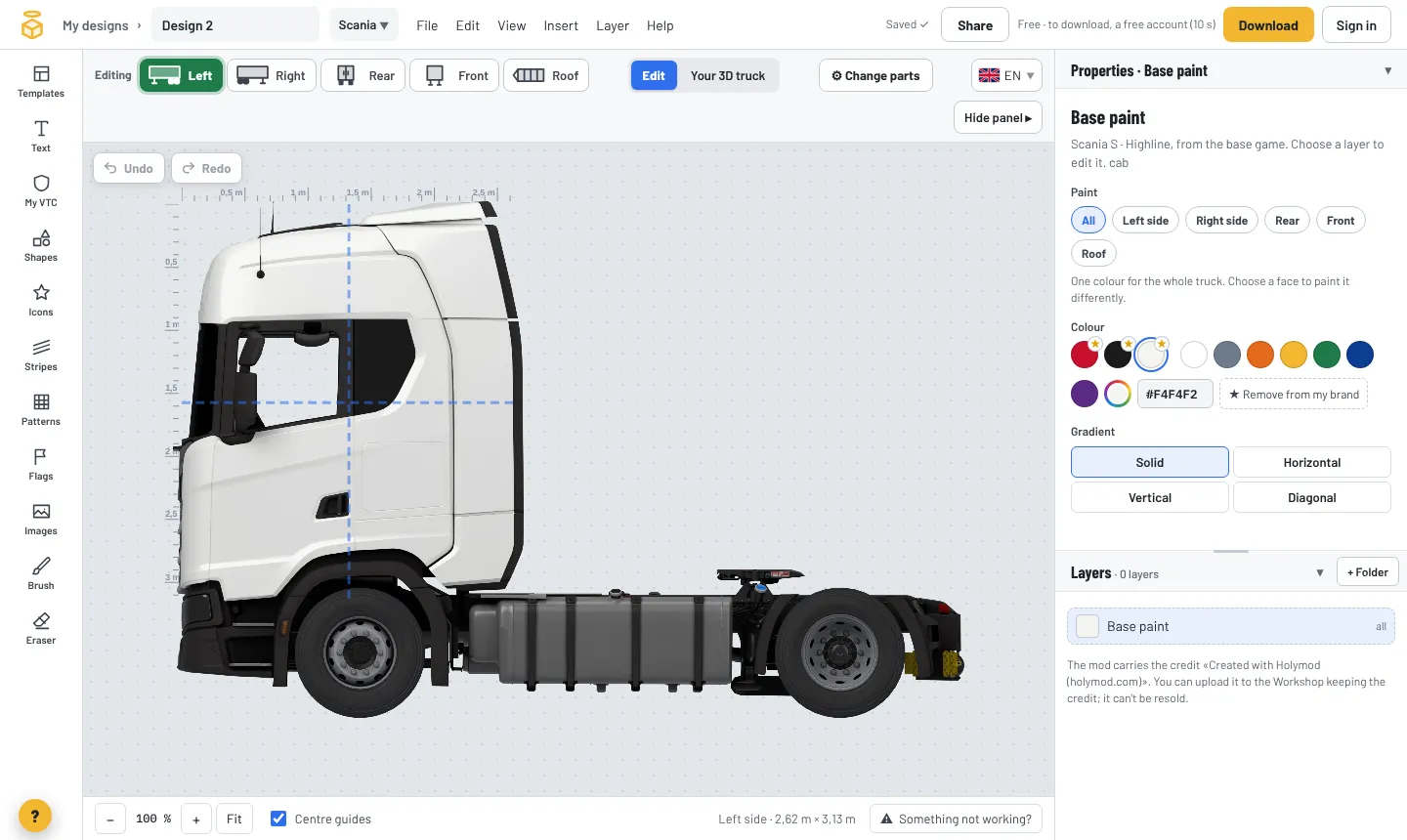
Each face of the cab (sides, front, rear and roof) is edited just like on trailers, with the same tools. Drag the background to rotate and see your truck in 3D. Double-click a paintable part to colour it.
Updated on 26 November 2026