
Holymod Studio › Documentation › Into the game
Fleet numbers and one design for several trailers
Get one paint job per truck with its unit number, and take the same design to other trailers, adapted to their size.
Fleet numbers
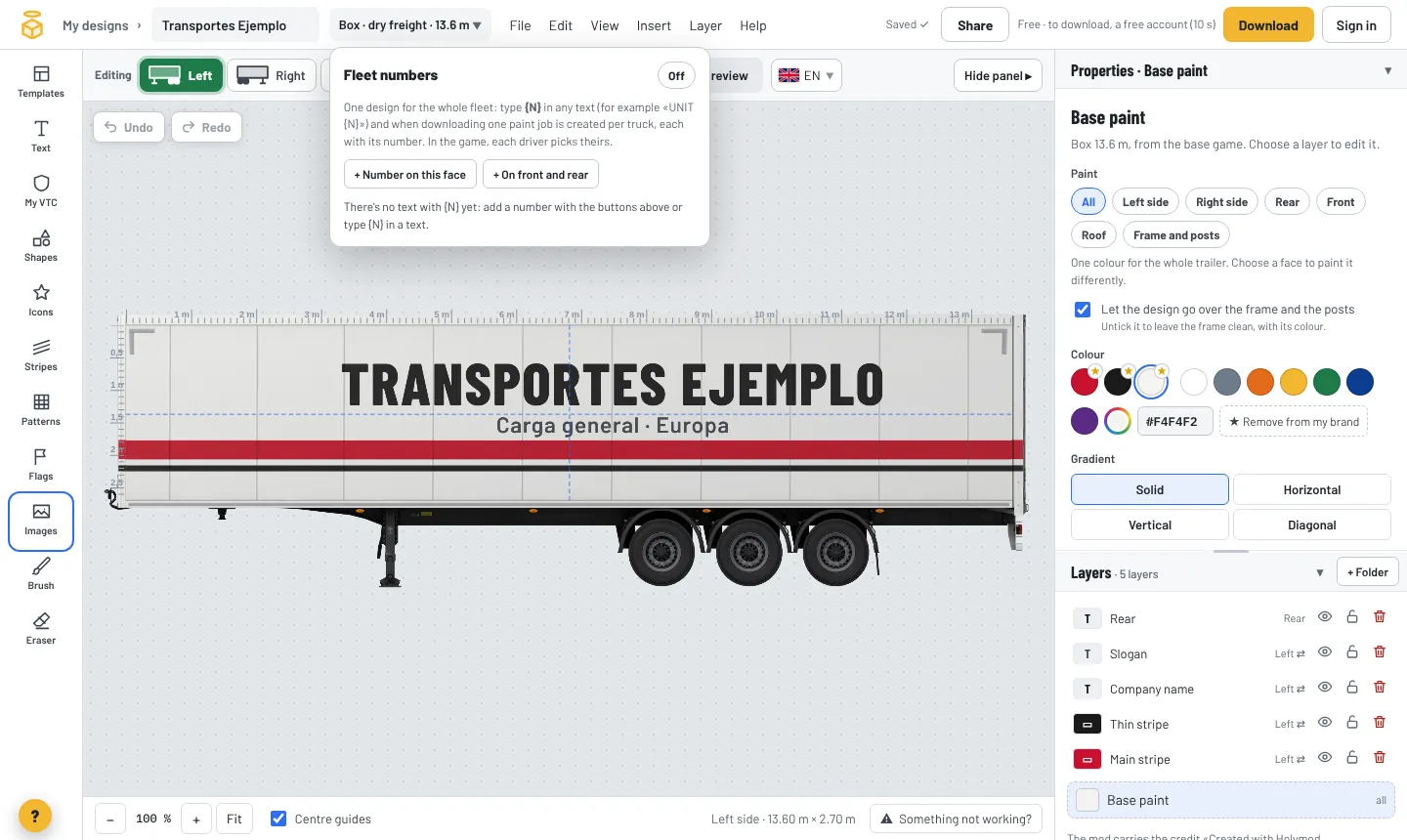
In the vehicle menu, at the top next to the design name, there’s Fleet numbers. Type {N} in any text (for example “UNIT {N}”) or use the buttons to put the number on the sides or on the rear and front. When you download, you get one paint job per number, each with its own.
One design for several trailers
Also for other trailers makes the same paint job work on other similar bodies: the design adapts to their size by itself. Above the canvas you’ll see the design’s trailer bar: ★ is the main one, “auto” the ones that adapt on their own and ✎ the ones you’ve touched up by hand. From the design page, + Add trailers does the same.
Click any of them to see how it looks and fix it; those changes only affect that trailer. Copy to another vehicle makes an independent copy of the design on another trailer or truck.
Updated on 26 November 2026