
Holymod Studio › Documentation › Design
Text, logos, images and shapes
Add styled text, your logo or your own images, shapes, stripes, icons and flags to your truck or trailer skin.
Text
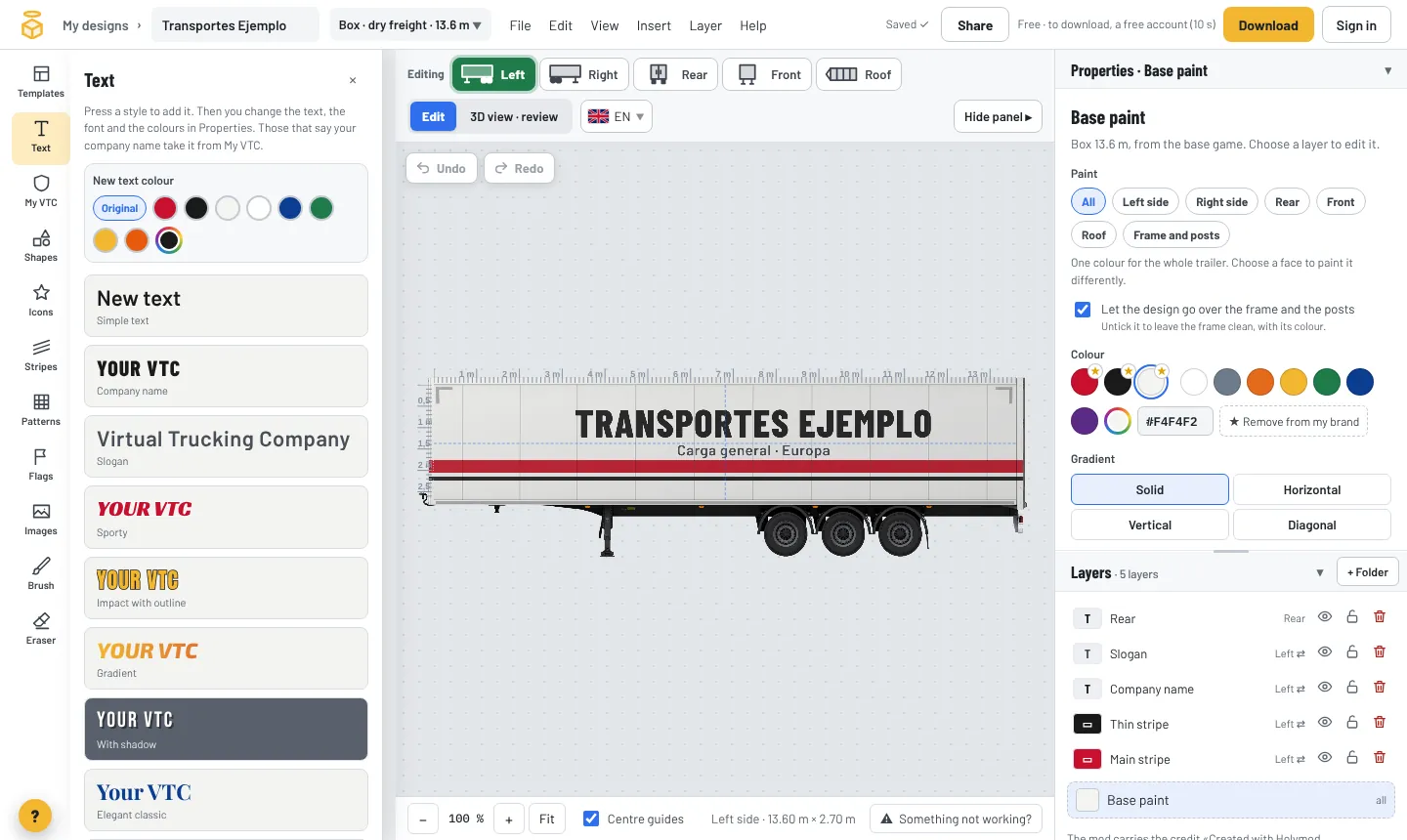
Text adds a new text or one of the ready-made styles (company name, slogan, sporty, outlined, gradient…). In Properties you change the font (there are dozens, and you can upload your own), weight, size (from 1), letter spacing, alignment, capitals, outline, shadow and the fill with a colour, gradient or image. When you change the size or font, the box follows the text.
Your logo and images
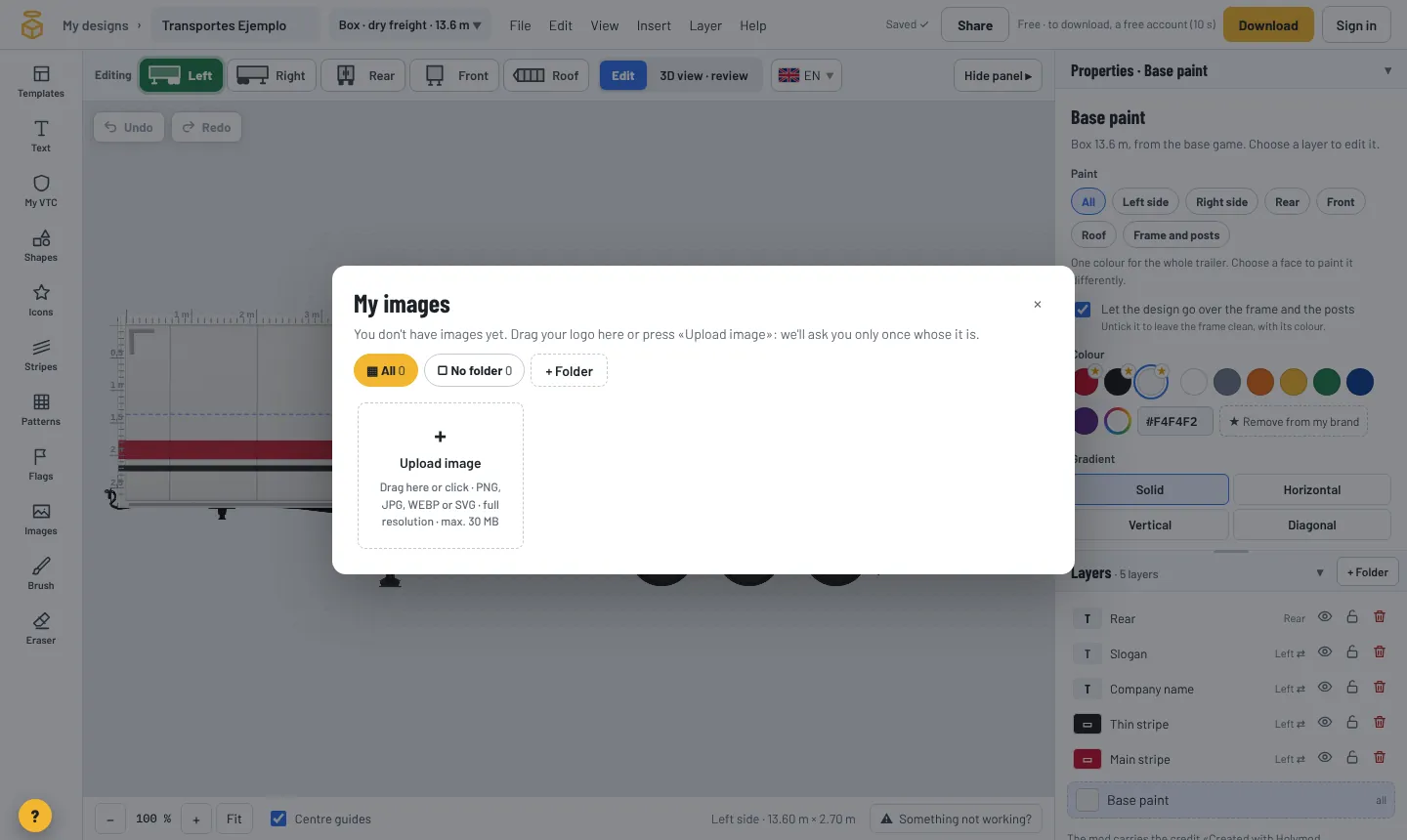
Images opens “My images”: drag your logo in or press Upload image (PNG, JPG, WEBP or SVG). The first time we ask you to confirm the image is yours or that you have permission to use it. If your logo has a white background, Remove the white background makes it transparent without touching the white inside (for example, white lettering).
Shapes, stripes, icons, patterns and flags
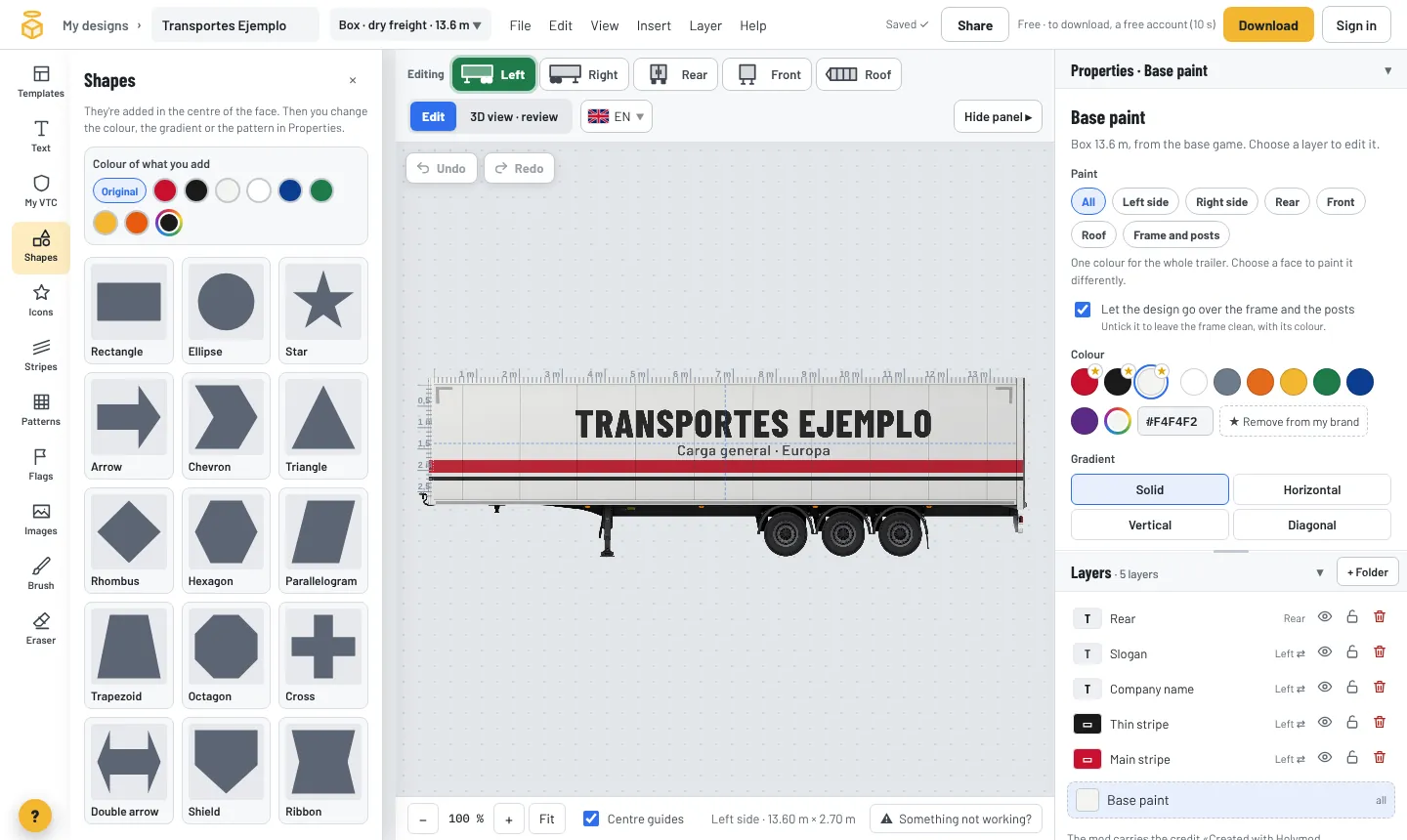
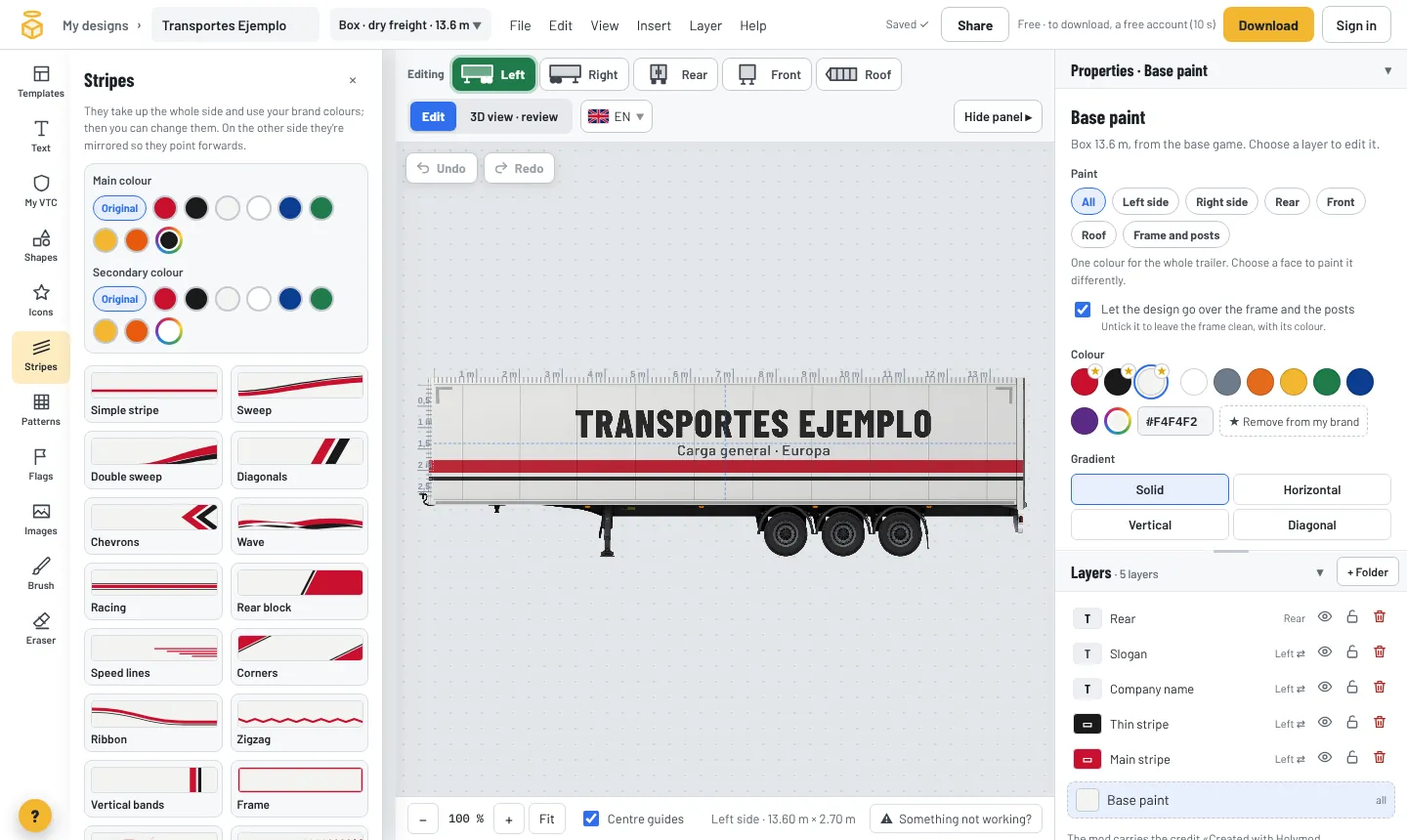
Each tool on the left opens its library. Click a piece to add it in the centre of the face, or drag it onto the canvas. At the top of the panel you choose the colour it’s added with; you can change it later in Properties.
Brush and eraser
The brush paints freehand on its own layer, “Hand painting”. There are several: brush, airbrush, rust, splatter, dirt and scratches, for hand lettering, shading, wear, mud or rust. With a graphics tablet, pressure changes the stroke width. The eraser removes parts of the selected layer without affecting the others.
Updated on 26 November 2026