
Holymod Studio › Documentation › VTCs and sharing
Tools for VTCs
Accounts with roles, a shared library, a brand kit, a fleet link with each member’s number and a public page for your VTC on holymod.com. Free.
All the tools for virtual trucking companies (VTCs) are free. You manage them from My profile › Teams and VTCs; we also ask when you create your account.
Members and roles
- Owner: creates and manages the VTC.
- Admin: invites and manages members and the page.
- Designer: creates and edits the designs in the shared library.
- Member: sees the designs and installs the fleet with their own number.
You invite people with a link. Each member has their own free account.
Shared library and brand kit
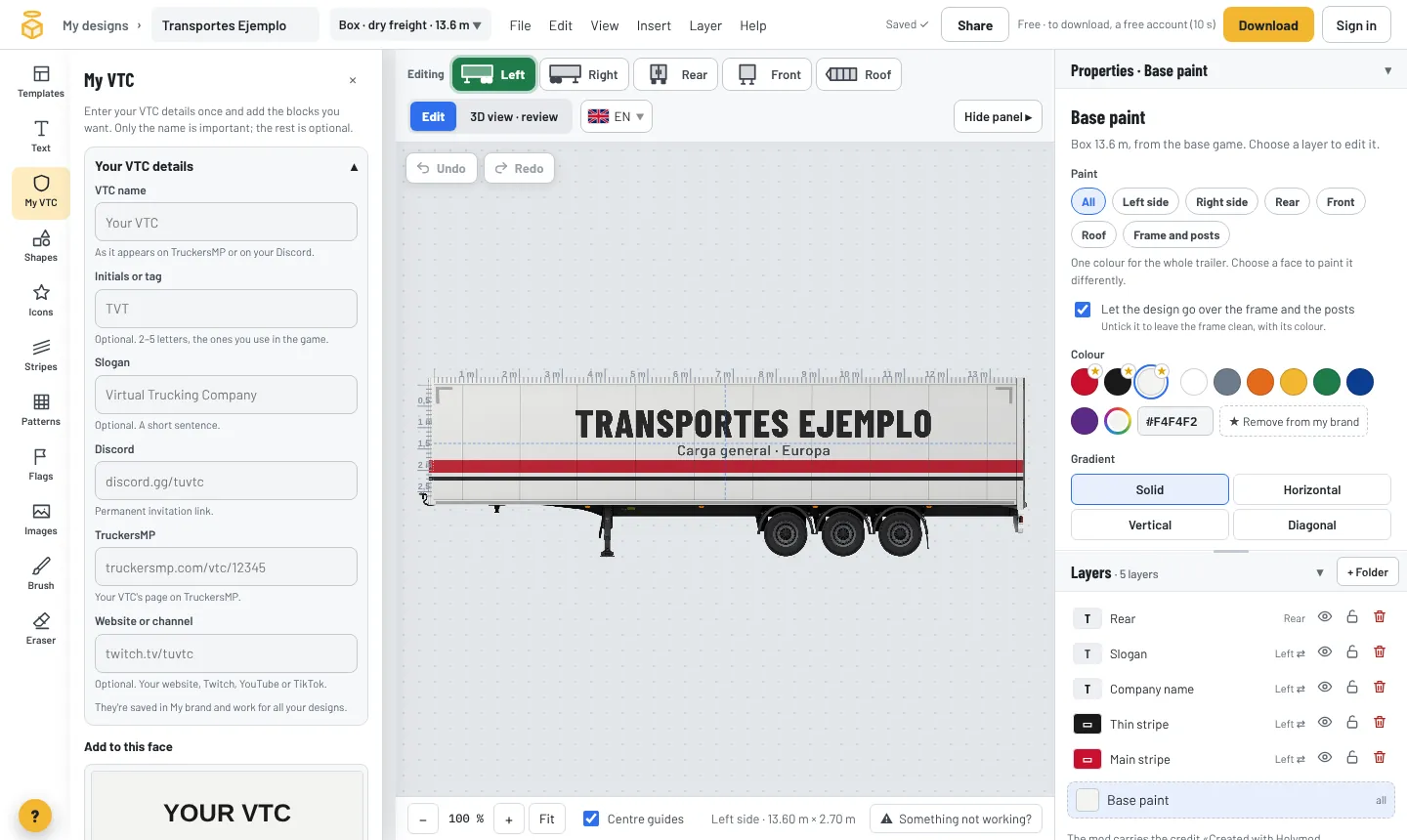
The VTC’s designs live in a shared library, organised in folders. The brand kit keeps the company’s colours, logos and texts (those in My VTC and My brand) so everyone designs with the same things.
Fleet numbers and fleet link
With fleet numbers, each truck carries its unit number. The fleet link lets each member install the fleet with their own number in one click: the mod is generated in their browser. If you release a new version, the link says so. You can open it to anyone with the link or only to members.
Public page on holymod.com
Your VTC can have its own page at holymod.com/en/vtc/: logo, description, Discord, website and the fleet with an install button. It’s only public if the owner or an admin turns it on, and each member decides whether their name is shown.
Statistics
In Statistics you see the downloads and visits of your published mods, including the whole fleet’s.
Updated on 26 November 2026